

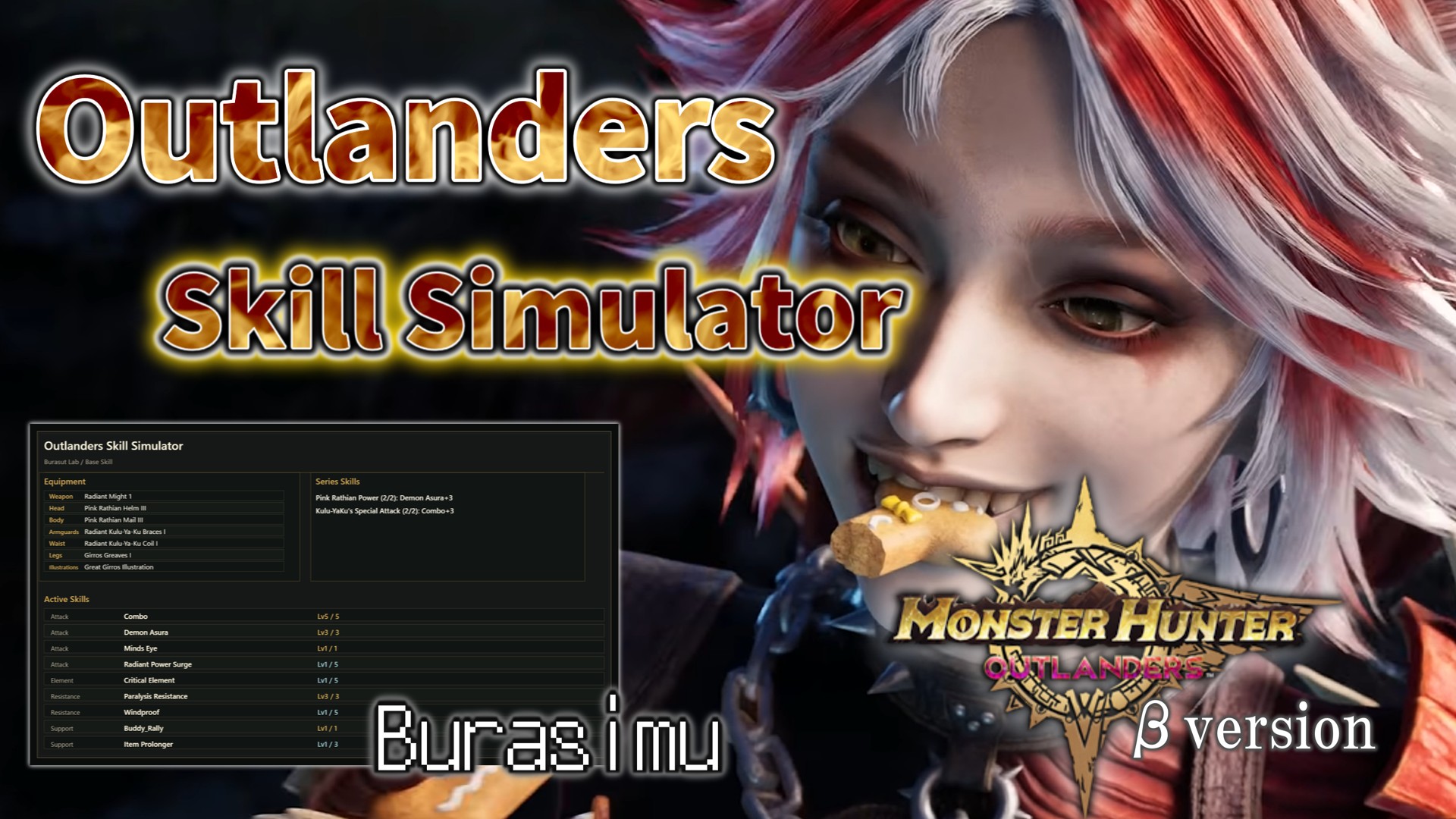
Aushimu is a skill and equipment build simulator for Monster Hunter Outlanders (MHO).
Search for armor combinations based on the skills you want, or select equipment manually to check your active skills. The simulator was updated for the full release on November 4, 2026.
How to Use
Here’s how to search for a build by skill. You can also select your equipment manually.
Note: The screenshots are from the beta version, so some parts of the interface may look different now.
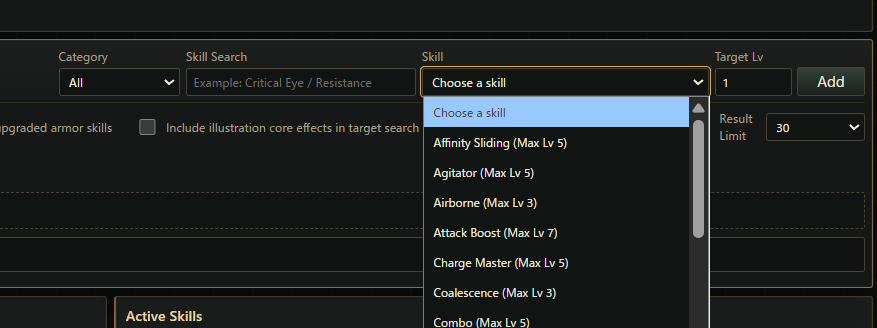
01 Choose Your Skills and Target Levels
In the skill search section, choose a skill, set its target level, and click Add. You can add more than one skill.
02 Set Your Search Options and Update Results
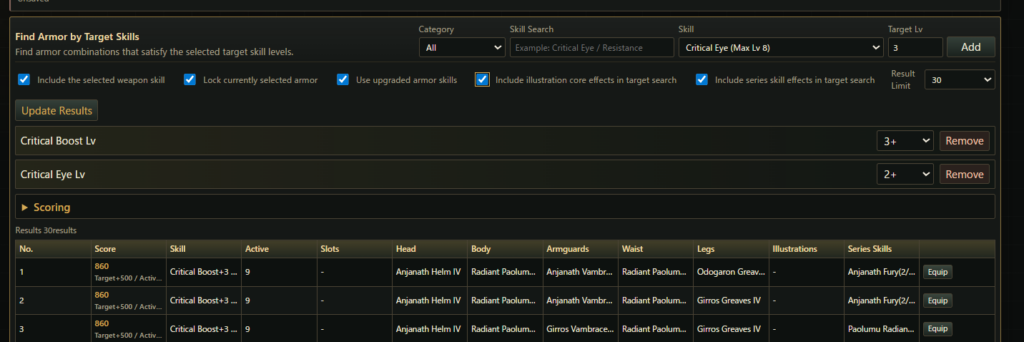
Select any search options you need, then update the results. Pick an armor combination from the list of matches.
If nothing matches, try lowering a target level or adjusting your fixed-equipment settings.
03 Fine-Tune Your Equipment
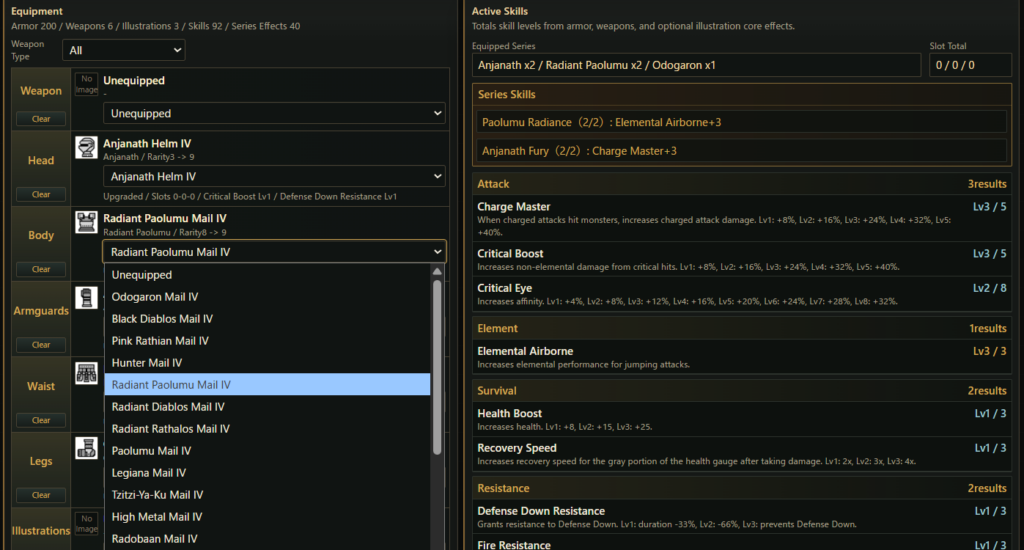
Use Equipment Selection to change your weapon and armor, then check your active skills. You can also narrow down equipment by name or skill.
Search Options
Enable the options that suit the build you’re looking for.
For details on series effects, see the Set Skill list (Japanese).
Save and Load Builds
You can save a build as an image or export it as a JSON file. Import a saved JSON file to restore the build and continue editing.
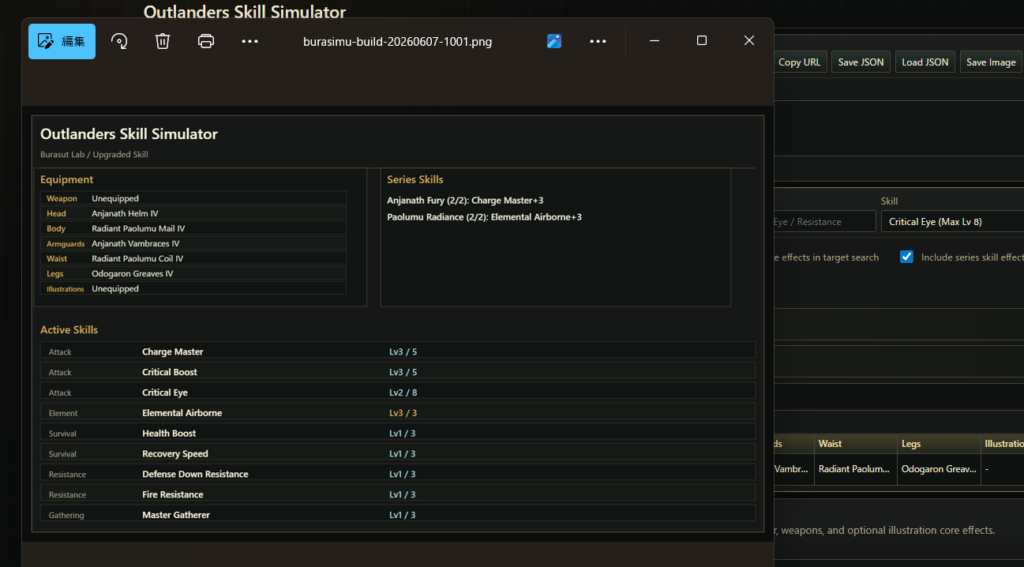
An example build saved with an older version of the simulator.
Note: JSON files saved with older versions may not be compatible with the current version.
Release Notes
Updated for the full release of Monster Hunter Outlanders.
Updated with CBT3 data and UI improvements.
Added English support, updated skill data, and added main Art effects.
Standardized skill names, added equipment data, and improved the UI and search algorithm.
Released the beta version with equipment data, active skill display, and series skills.
If you find an incorrect skill or missing equipment, please let me know in the comments.

コメント